Course Overview
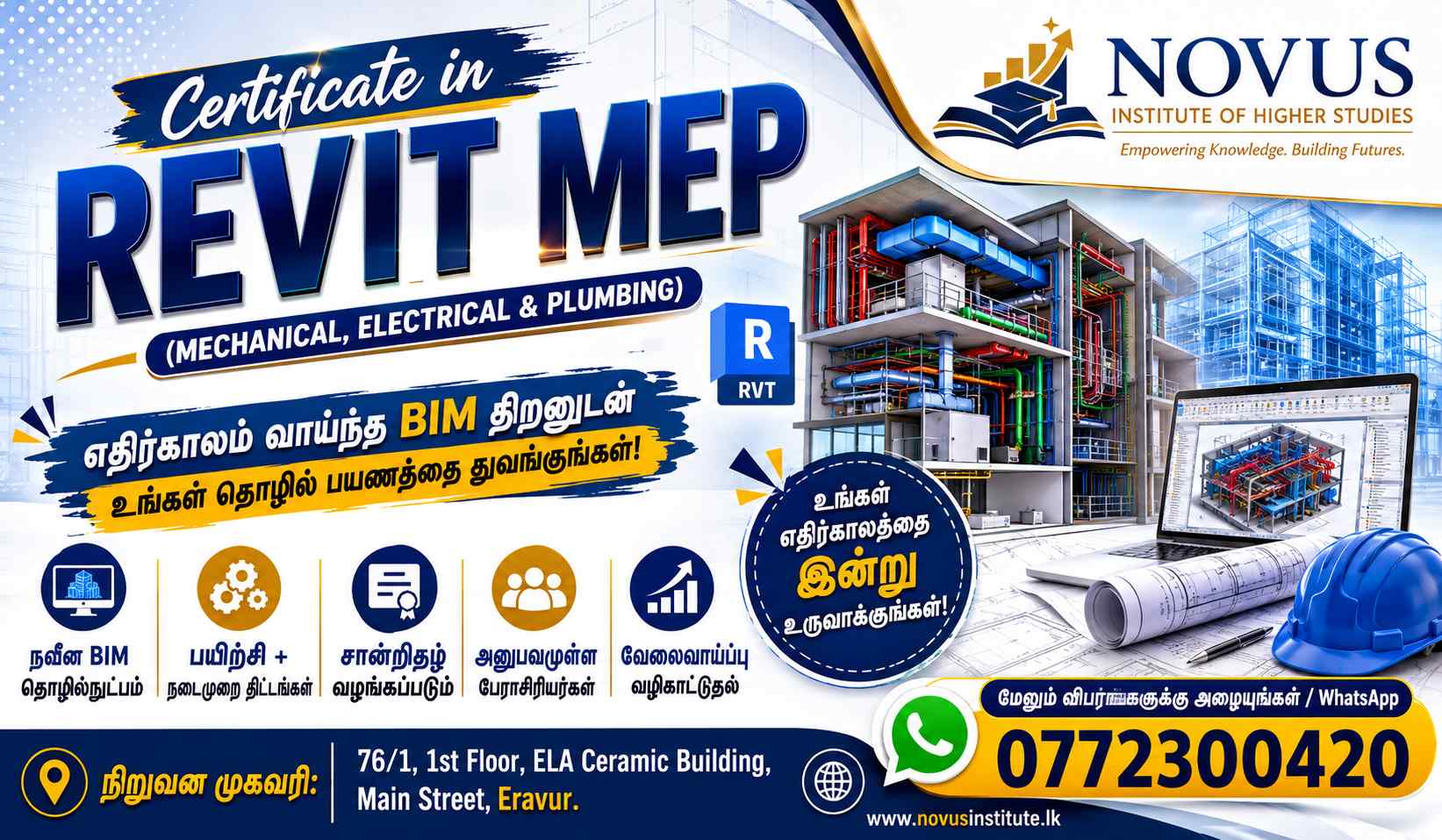
The Certificate in Revit MEP is designed to provide students, engineers, draftsmen, and construction professionals with practical skills in Building Information Modeling (BIM) using Autodesk Revit for Mechanical, Electrical, and Plumbing (MEP) systems. The course focuses on creating intelligent 3D building service models, system coordination, documentation, and BIM workflows used in modern construction projects.
Course Objectives
Upon completion of this course, students will be able to:
- Understand BIM concepts and Revit MEP workflows.
- Create and manage MEP projects in Revit.
- Model HVAC systems including ducts and mechanical equipment.
- Design plumbing and piping systems.
- Create electrical layouts, circuits, and panel schedules.
- Generate schedules, quantities, and construction documentation.
- Coordinate MEP services with architectural and structural models.
- Produce professional BIM-based MEP project deliverables.
Course Modules
Module 1: Introduction to BIM & Revit MEP
- Introduction to BIM Concepts
- Revit MEP Interface
- Project Browser & Properties
- Navigation Tools
- Views and View Templates
- Revit File Structure
Module 2: Revit MEP Project Setup
- Creating New Projects
- Levels and Grids
- Linking Architectural Models
- Shared Coordinates
- Worksharing Fundamentals
- Visibility Graphics
Module 3: Mechanical (HVAC) Systems
- HVAC Concepts
- Air Terminals
- Mechanical Equipment
- Duct Creation & Routing
- Duct Fittings and Accessories
- Duct Sizing
- System Inspector
- HVAC Documentation
Module 4: Plumbing Systems
- Plumbing Fundamentals
- Plumbing Fixtures
- Pipe Creation & Routing
- Pipe Fittings and Accessories
- Water Supply Systems
- Drainage Systems
- Pipe Sizing
- Plumbing Schedules
Module 5: Electrical Systems
- Electrical Settings
- Electrical Equipment
- Lighting Fixtures
- Power Devices
- Circuit Creation
- Panel Boards
- Cable Trays & Conduits
- Load Calculations
- Electrical Schedules
Module 6: MEP Coordination
- Clash Detection Concepts
- Coordination with Architectural Models
- Coordination with Structural Models
- Copy/Monitor Tools
- BIM Collaboration Workflow
Module 7: MEP Analysis
- Space Creation
- Zones
- Heating & Cooling Loads
- System Analysis
- Energy Analysis Basics
Module 8: Documentation & Schedules
- Tags and Annotations
- Dimensions
- Legends
- Schedules & Quantity Take-Offs
- Sheet Creation
- Plotting and Printing
Module 9: Capstone Project
- Complete Building MEP Modeling Project
- HVAC System Modeling
- Plumbing System Modeling
- Electrical System Modeling
- Documentation Package Preparation
These modules reflect the core topics commonly covered in professional Revit MEP training programs and Autodesk learning pathways.
Entry Requirements
Applicants should have:
Minimum Requirements
- G.C.E. O/L Qualification (Preferred)
- Basic Computer Knowledge
Recommended Background
- Engineering Students
- Draftsmen
- Quantity Surveying Students
- Civil, Mechanical, or Electrical Engineering Students
- Construction Professionals
- AutoCAD Knowledge (advantage but not mandatory)
Teaching Method
- Instructor-Led Training
- Practical Lab Sessions
- Real Building Projects
- BIM Industry Practices
- Assignments & Assessments
Certification
Upon successful completion, participants will receive:
Certificate in Revit MEP (Mechanical, Electrical & Plumbing)
Issued by:
Novus Institute of Higher Studies, Eravur
Students who successfully complete the practical project and final assessment will be awarded the certificate.
Career Opportunities
- BIM Modeler
- Revit MEP Technician
- MEP Draftsman
- HVAC BIM Modeler
- Plumbing BIM Modeler
- Electrical BIM Modeler
- BIM Coordinator (Junior Level)
- Building Services CAD Technician
This course is ideal for students seeking careers in the BIM, construction, engineering, and building services industries.