🎯 Course Objective
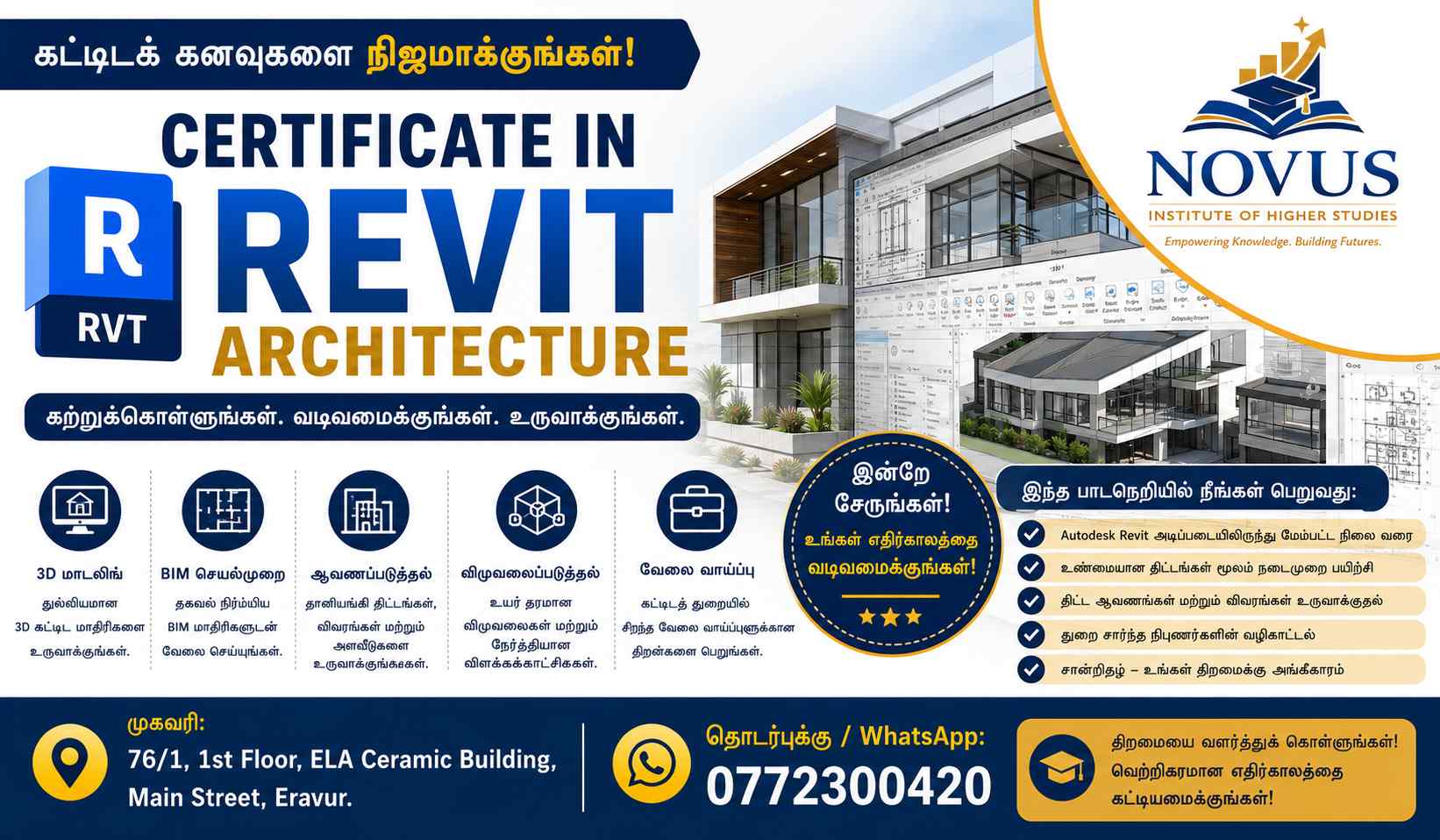
This course is designed to teach students how to create professional architectural designs and Building Information Modeling (BIM) projects using Autodesk Revit. Students will learn to design buildings, create 3D models, generate construction drawings, and prepare project documentation used in the architecture and construction industries.
🧑🏫 MODULE 1: Introduction to Revit & BIM
Topics Covered
- Introduction to BIM (Building Information Modeling)
- Revit Interface Overview
- Project Browser
- Properties Palette
- Navigation Tools
- Project Setup
Practical
- Create a new project
- Configure project units and levels
🏗 MODULE 2: Basic Architectural Modeling
Topics Covered
- Levels and Grids
- Walls
- Doors
- Windows
- Openings
Practical
- Create a simple house layout
📐 MODULE 3: Floors, Roofs & Ceilings
Topics Covered
- Floor Creation
- Roof Design
- Ceiling Systems
- Floor Openings
Practical
- Model a complete residential building
🚪 MODULE 4: Architectural Components
Topics Covered
- Stairs
- Railings
- Ramps
- Columns
- Furniture Components
Practical
- Design building interiors and circulation areas
🏠 MODULE 5: Creating Building Plans
Topics Covered
- Floor Plans
- Elevations
- Sections
- Callouts
- Detail Views
Practical
- Generate complete architectural drawings
🎨 MODULE 6: Materials & Visualization
Topics Covered
- Material Assignment
- Material Libraries
- Appearance Settings
- Realistic Views
Practical
- Apply materials to walls, floors, and roofs
🌞 MODULE 7: 3D Modeling & Rendering
Topics Covered
- 3D Views
- Cameras
- Lighting
- Rendering Settings
- Walkthroughs
Practical
- Create realistic building renderings
📋 MODULE 8: Annotation & Documentation
Topics Covered
- Dimensions
- Text Notes
- Tags
- Legends
- Schedules
Practical
- Prepare professional construction documents
📊 MODULE 9: Sheets & Printing
Topics Covered
- Sheet Creation
- Title Blocks
- View Placement
- Printing & Exporting PDF
Practical
- Produce complete drawing sheets
👨💻 MODULE 10: Families & Components
Topics Covered
- Revit Families
- Family Creation
- Family Editing
- Custom Components
Practical
- Create custom doors and furniture
🏢 MODULE 11: Residential Building Project
Topics Covered
- Planning a House Project
- Modeling Complete Structure
- Documentation Standards
Practical
- Design a complete residential building
🏗 MODULE 12: Introduction to BIM Collaboration
Topics Covered
- BIM Workflow
- Project Coordination
- Linking Files
- Team Collaboration Basics
Practical
- Collaborative project exercise
🎓 FINAL PROJECT
Students will complete:
Project 1
Single-Story House Design
Project 2
Two-Story Residential Building
Project 3
Commercial Building Concept Model
The final project includes:
✅ Floor Plans
✅ Elevations
✅ Sections
✅ 3D Views
✅ Rendering
✅ Sheet Preparation
🏆 Learning Outcomes
After successful completion, students will be able to:
✅ Create professional architectural models in Revit
✅ Generate floor plans, elevations, and sections
✅ Produce construction documentation
✅ Create realistic 3D visualizations
✅ Apply BIM concepts in real projects
✅ Prepare drawings for client presentations and construction
👨🎓 Entry Requirements
- Age: 16+ Years
- Basic computer knowledge
- No prior Revit experience required
- AutoCAD knowledge is beneficial but not mandatory
📜 Certification
Certificate in Revit Architecture
Issued by Novus Institute of Higher Studies