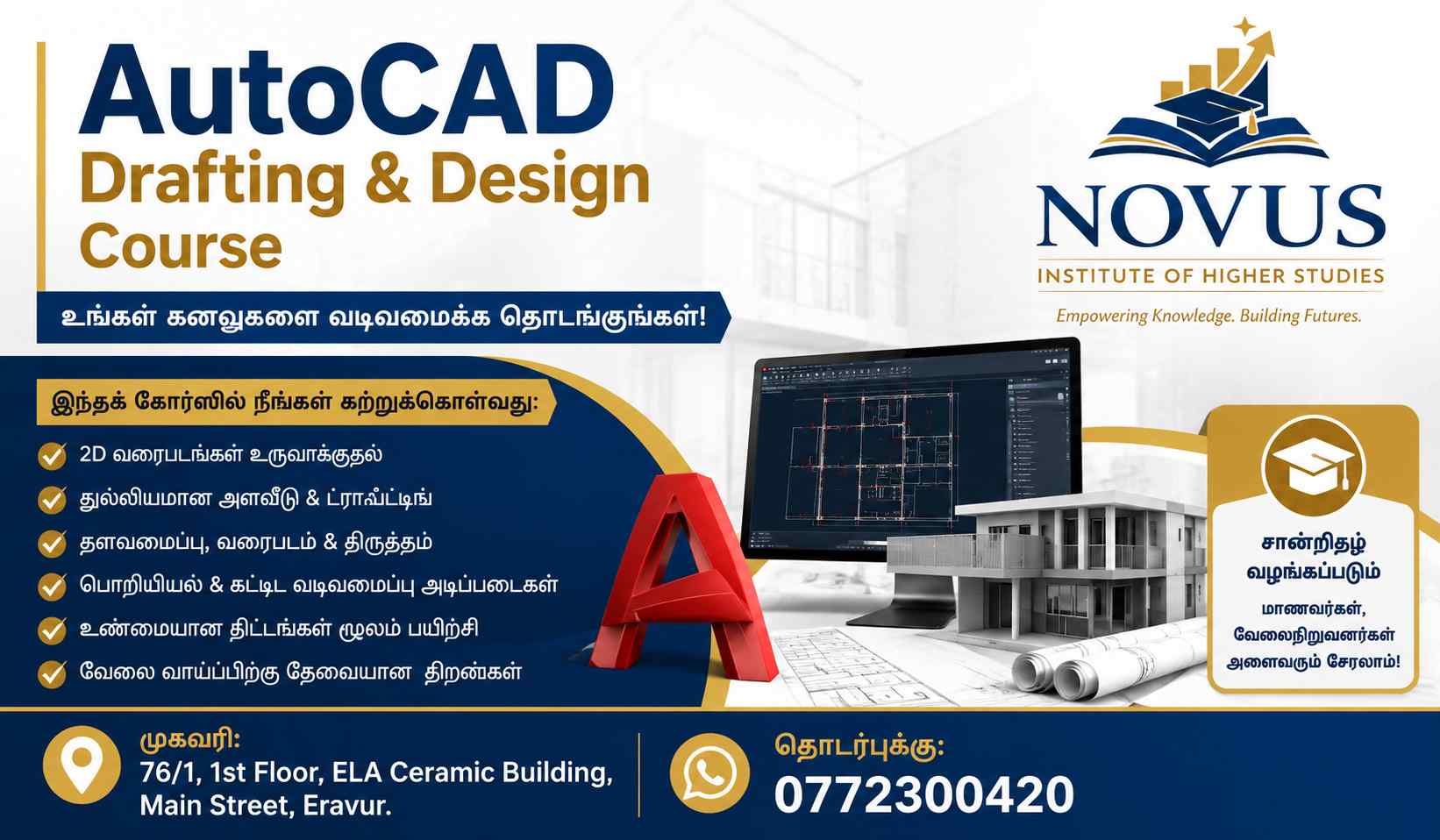
🎯 Course Objective:
To train students in computer-aided drafting using AutoCAD for engineering, architecture, and technical drawing work.
🧑🏫 MODULE 1: Introduction to AutoCAD
- What is CAD & AutoCAD?
- Uses of AutoCAD in Engineering & Architecture
- Overview of interface (Ribbon, Command Line, Workspace)
- File types (.dwg, .dxf)
- Setting up workspace
📝 Practical:
- Open AutoCAD
- Create new drawing
- Save and manage files
✏️ MODULE 2: Basic Drawing Tools (2D Fundamentals)
- Line tool
- Circle tool
- Arc tool
- Rectangle & Polygon
- Polyline basics
- Construction lines (XLINE, RAY)
📝 Practical:
- Draw simple shapes
- Create basic floor plan layout
📐 MODULE 3: Modify Tools (Editing Drawings)
- Move
- Copy
- Rotate
- Mirror
- Scale
- Trim & Extend
- Offset
- Fillet & Chamfer
📝 Practical:
- Modify a simple house plan
- Fix and adjust drawings
📊 MODULE 4: Precision Drawing Tools
- Object Snaps (OSNAP)
- Grid & Snap settings
- Ortho Mode
- Polar Tracking
- Coordinates (Absolute & Relative)
📝 Practical:
- Accurate technical drawing exercise
🏗 MODULE 5: Layers & Properties
- Creating layers
- Color, linetype, lineweight
- Layer management
- Object properties
- Match properties tool
📝 Practical:
- Create layered building plan (walls, doors, windows)
🏠 MODULE 6: Architectural Drawing Basics
- Drawing floor plans
- Doors & windows
- Walls and dimensions
- Room layout design
📝 Practical Project:
- Small house floor plan
📏 MODULE 7: Dimensions & Annotation
- Linear & aligned dimensions
- Text styles
- Leaders & multileaders
- Annotation scaling
📝 Practical:
- Fully dimensioned floor plan
🖨 MODULE 8: Plotting & Printing
- Page setup
- Model space vs Layout space
- Viewports
- Printing settings
- Scale selection
📝 Practical:
- Print A3/A4 drawing sheet
🧱 MODULE 9: Block & Advanced Tools
- Creating blocks
- Insert & edit blocks
- Dynamic blocks (basic)
- Design Center
📝 Practical:
- Create reusable door/window blocks
🏗 MODULE 10: Introduction to 3D (Basic Level)
- 2D to 3D concept
- Extrude, Presspull
- 3D Rotate
- Basic 3D shapes
📝 Practical:
- Simple 3D house model
🎓 FINAL PROJECT
Students will complete:
- Full architectural floor plan
- Dimensioned drawing
- Printed sheet layout
- Basic 3D model (optional)
📜 Certification Outcome:
After completion, students can:
Work in construction, architecture, or design firms
Create professional 2D drawings
Understand engineering drafting standards
Prepare architectural layouts